Turning Audible Books into Yoto Cards with Claude Code
1,443 lines of Python. One day. A CLI tool that strips Audible DRM, splits audiobooks into chapters, and uploads them to Yoto MYO cards — built entirely with Claude Code as co-pilot.
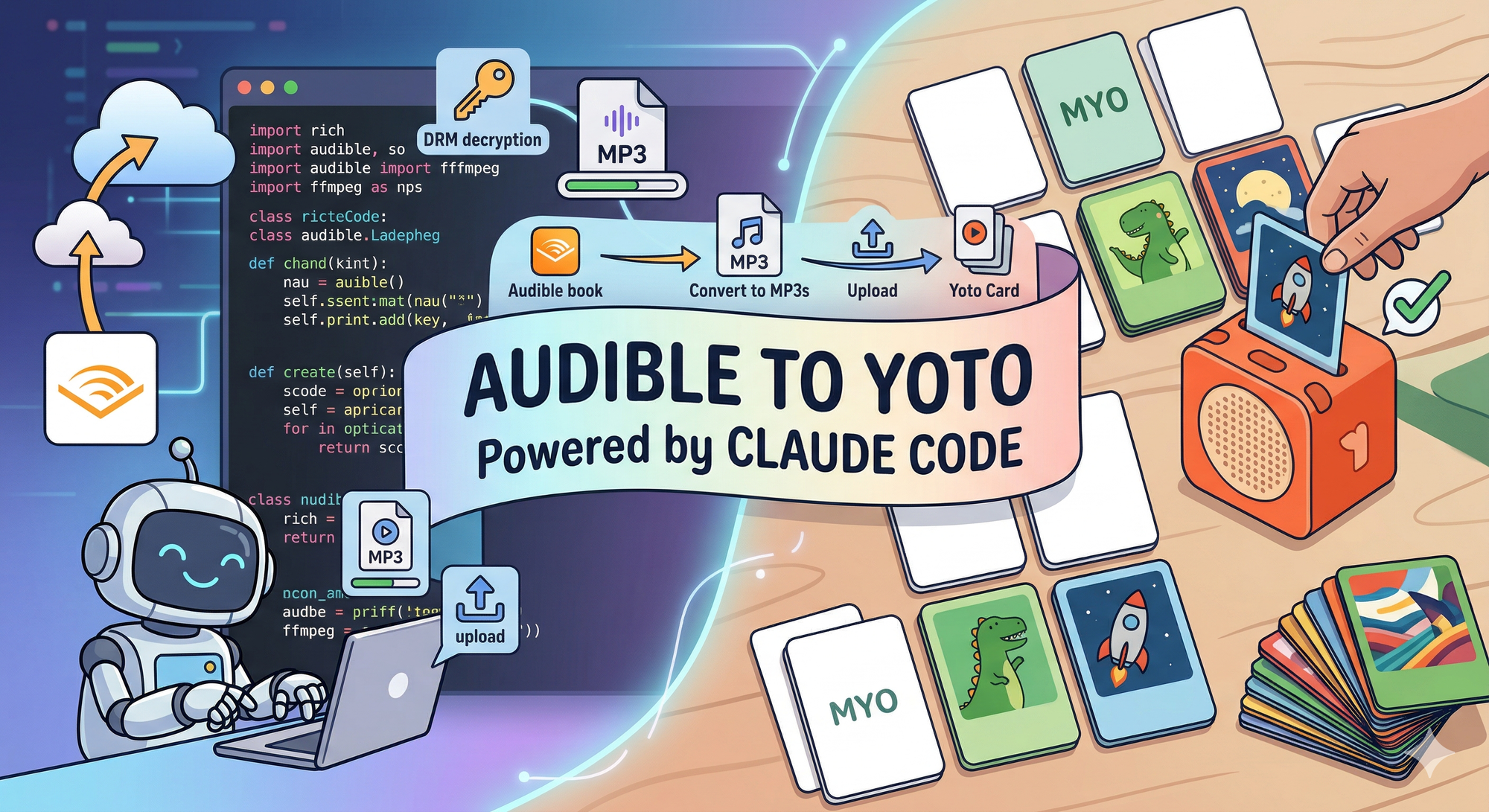
1,443 lines of Python. Eight modules. A full CLI tool that decrypts Audible audiobooks, splits them into per-chapter MP3s, and uploads them to Yoto MYO cards -- complete with OAuth authentication, a Rich terminal UI, and a constraint-satisfaction algorithm for hardware limits I didn't know existed until I started building this.
Built in about a day with Claude Code. Here's how that happened, and what I learned about agentic development when the problem space is messy.
The Problem
My kids have a Yoto Player -- a screenless audio device where you insert physical cards to play stories, music, and audiobooks. It's brilliant hardware for children. We also have a library of audiobooks on Audible. The kids wanted their Audible books on Yoto.
Simple enough, right? Except Audible uses DRM. Their files are encrypted AAX or AAXC format -- you can't just drag them onto a Yoto card. The gap between "I own this audiobook" and "my kids can listen to it on their Yoto" turns out to be: DRM key retrieval, audio decryption, format conversion, chapter splitting, and upload to a platform with specific hardware constraints around track count, duration, and file size.
Tools like OpenAudible handle parts of this -- they'll download and manage your Audible library. But the full pipeline from encrypted AAX to a Yoto card ready to play didn't exist. So I built it.
The Stack
- Python 3.12+ -- quick to prototype, excellent subprocess handling for FFmpeg
- Rich -- terminal UI framework with tables, progress bars, panels, and spinners
- FFmpeg / FFprobe -- audio conversion and metadata extraction
- audible -- Python library for Audible API authentication and DRM key retrieval
- Yoto REST API -- upload and card creation (documented via their developer dashboard)
- OpenAudible -- not a dependency, but the credential source. The tool reuses OpenAudible's stored Audible device tokens rather than building a fresh authentication flow
The declared dependencies are surprisingly lean:
dependencies = [
    "rich>=14.0",
    "audible>=0.8.0",
]
Two packages. The audible library pulls in requests as a transitive dependency, which the Yoto module uses directly. Everything else is standard library or system tools.
Phase One: The Core Converter
The first prompt was straightforward: convert AAX files to per-chapter MP3s. What emerged was more interesting than I expected.
Scanning and probing. AAX files contain chapter markers as standard FFmpeg "chapters" in their metadata. You don't need to parse Audible's proprietary format -- FFprobe reads them directly as JSON. The probe.py module wraps this: point it at a directory, get back a list of BookInfo objects with title, author, duration, file size, and a list of Chapter objects with start and end times.
The credential reuse trick. Instead of building a full Audible authentication flow -- which involves device registration, OAuth tokens, and a private key -- the tool reads OpenAudible's credentials.json directly. This is where it gets subtle. OpenAudible stores token expiry timestamps in milliseconds; the audible Python library expects seconds. OpenAudible uses region codes like "UK"; the library wants locale codes like "uk". The translation layer in keys.py handles these mismatches:
REGION_TO_LOCALE = {
    "US": "us", "UK": "uk", "DE": "de", "FR": "fr",
    "AU": "au", "CA": "ca", "JP": "jp", "IT": "it",
    "IN": "in", "ES": "es",
}

auth_data = {
    "access_token": device_creds["access_token"],
    "refresh_token": device_creds["refresh_token"],
    "adp_token": device_creds["adp_token"],
    "device_private_key": device_creds["device_private_key"],
    # OpenAudible stores expires in milliseconds; audible library expects seconds
    "expires": device_creds.get("expires", 0) / 1000,
    "locale_code": locale,
}
Key retrieval. With valid credentials, the tool calls decrypt_voucher_from_licenserequest to get the AAXC decryption key and IV from Audible's API. These are cached locally so you only fetch once per book -- re-runs skip the API call entirely.
Per-chapter extraction. This is where FFmpeg does the heavy lifting. Each chapter gets its own MP3, extracted with precise start and end times:
args = [
    "ffmpeg", "-y",
    "-audible_key", key,
    "-audible_iv", iv,
    "-i", str(book.path),
    "-map", "0:a",
    "-ss", str(chapter.start_time),
    "-to", str(chapter.end_time),
    "-c:a", "libmp3lame",
    "-q:a", quality,
    "-metadata", f"title={chapter.title}",
    "-metadata", f"track={chapter.index}/{total}",
    "-metadata", f"album={book.title}",
    "-metadata", f"artist={book.author}",
    "-id3v2_version", "3",
    "-progress", "pipe:1",
    "-loglevel", "quiet",
    str(output_file),
]
Two flags worth noting: -progress pipe:1 tells FFmpeg to emit machine-readable progress updates to stdout, while -loglevel quiet suppresses the usual verbose output. The tool parses out_time_us= lines from the progress stream to compute a fraction for the Rich progress bar -- real-time conversion tracking without scraping FFmpeg's notoriously inconsistent stderr. This is the kind of deep tool knowledge that Claude Code got right on the first pass.
The Architecture That Emerged
Without being told to separate concerns, Claude produced a clean modular structure:
src/audible_converter/
├── __main__.py    (14 lines)   — Entry point
├── app.py         (319 lines)  — Orchestrator
├── config.py      (84 lines)   — JSON config management
├── keys.py        (137 lines)  — Audible API key retrieval + caching
├── probe.py       (196 lines)  — FFprobe metadata + card splitting
├── converter.py   (153 lines)  — FFmpeg wrapper with progress
├── tui.py         (242 lines)  — Rich terminal UI
└── yoto.py        (298 lines)  — OAuth + REST API client
The orchestrator (app.py) is the largest file but contains no business logic of its own -- it just coordinates the flow. Each module owns one concern: keys.py talks to Audible, converter.py talks to FFmpeg, yoto.py talks to Yoto, tui.py handles all Rich rendering, and probe.py handles metadata extraction. This separation wasn't in the prompt. It's a pattern Claude Code tends to produce when you don't constrain it, and for a tool like this, it's the right call.
Phase Two: The Yoto Integration
After the core converter worked end-to-end, the second prompt extended it: upload the converted MP3s to Yoto MYO cards. This required three entirely new capabilities.
OAuth Device Code Flow. Yoto's API uses the device authorization grant (RFC 8628) -- the "go to this URL, enter this code" pattern you've seen on smart TVs. The implementation handles the full lifecycle: request a device code, display it to the user, poll the token endpoint, and handle authorization_pending, slow_down, and expired_token responses correctly.
The TUI makes this feel polished:
def show_device_code(self, user_code: str, verification_uri: str):
    self.console.print(Panel.fit(
        f"1. Open [link={verification_uri}]{verification_uri}[/link]\n"
        f"2. Enter code: [bold cyan]{user_code}[/bold cyan]\n"
        f"3. Log in with your Yoto account",
        title="[bold]Yoto Authorisation[/]",
        border_style="yellow",
    ))
    self.console.print("[dim]Waiting for authorisation...[/]")
The [link=...] syntax creates clickable URLs in terminals that support them. Small detail, but it's the difference between "paste this URL into your browser" and "click here."
Upload and transcoding pipeline. Yoto doesn't serve your MP3 directly. You upload it, Yoto transcodes it to 128kbps AAC, and you get back a transcodedSha256 that becomes the track identifier. The flow is three steps: compute the file's SHA256 hash (so Yoto can deduplicate), upload via a presigned URL, then poll for transcoding completion. The tool handles all of this per-track, with the TUI showing progress as each chapter uploads and transcodes.
Card content creation. The final step assembles everything into a Yoto card -- a JSON payload with chapters containing tracks, metadata, and optionally cover art extracted from the audiobook or OpenAudible's art directory.
The Card Splitting Problem
This is where the project got technically interesting. Yoto cards have hardware limits:
YOTO_MAX_TRACKS = 100
YOTO_MAX_TRACK_SECONDS = 3600           # 60 minutes
YOTO_MAX_TRACK_BYTES = 100 * 1024 * 1024  # 100 MB
YOTO_MAX_CARD_SECONDS = 5 * 3600        # 5 hours
YOTO_MAX_CARD_BYTES = 500 * 1024 * 1024   # 500 MB
A typical adult Audible audiobook has 30-50 chapters totalling 8-15 hours. That doesn't fit on one card. The algorithm needs to pack chapters into the minimum number of cards while respecting all constraints simultaneously -- and chapters must stay in order.
def group_chapters_into_cards(chapters: list[Chapter]) -> list[YotoCard]:
    cards: list[YotoCard] = []
    current_chapters: list[Chapter] = []
    current_duration = 0.0
    current_size = 0

    for chapter in chapters:
        ch_duration = chapter.end_time - chapter.start_time
        ch_size = int(ch_duration * YOTO_TRANSCODED_BYTES_PER_SEC)

        would_exceed = (
            len(current_chapters) >= YOTO_MAX_TRACKS
            or current_duration + ch_duration > YOTO_MAX_CARD_SECONDS
            or current_size + ch_size > YOTO_MAX_CARD_BYTES
        )

        if would_exceed and current_chapters:
            cards.append(YotoCard(card_number=len(cards) + 1, chapters=current_chapters))
            current_chapters = []
            current_duration = 0.0
            current_size = 0

        current_chapters.append(chapter)
        current_duration += ch_duration
        current_size += ch_size

    if current_chapters:
        cards.append(YotoCard(card_number=len(cards) + 1, chapters=current_chapters))

    return cards
It's a greedy bin-packing approach -- fill cards sequentially, start a new card when any constraint would be violated. You could theoretically pack more tightly by reordering, but chapters must stay in sequence, so greedy is actually optimal here.
The subtle part is YOTO_TRANSCODED_BYTES_PER_SEC = 128_000 / 8 -- since Yoto transcodes everything to 128kbps AAC, the tool estimates post-transcode file sizes from duration alone, before uploading anything. This lets the TUI show the user how many cards a book will need before they commit to the conversion.
There are actually two grouping functions: group_chapters_into_cards (pre-upload, using estimated sizes) and group_tracks_into_cards (post-upload, using actual transcoded sizes from the Yoto API). The estimates are close, but the actual sizes are authoritative.
The Graceful Fallback
Most children's audiobooks -- the primary use case -- fit on a single card. Rather than always splitting preemptively, the tool tries to create one card first and only splits if the API rejects it:
try:
    card_id = yoto_client.create_card_content(
        book_name, all_tracks, cover_image_url=cover_url,
    )
    tui.show_card_created(card_id)
except Exception as e:
    error_msg = str(e)
    console.print(f"    [yellow]Single card failed ({error_msg[:60]}), splitting...[/]")
    card_groups = group_tracks_into_cards(all_tracks)
    for card_idx, card_tracks in enumerate(card_groups, start=1):
        card_title = f"{book_name} - Card {card_idx}"
        card_id = yoto_client.create_card_content(
            card_title, card_tracks, cover_image_url=cover_url,
        )
This "try the simple thing, fall back to the complex thing" pattern is something Claude Code proposed. It's the right call -- don't show "Card 1 of 3" for a two-hour children's book that fits easily on one card.
What Claude Code Got Right
FFmpeg expertise. Claude knew the -audible_key and -audible_iv flags, the -progress pipe:1 pattern for machine-readable progress output, and the -map 0:v -c:v copy incantation for cover art extraction. This is deep tool knowledge that would take a human significant time to research and test.
OAuth spec adherence. The device code polling matches RFC 8628 precisely -- authorization_pending continues polling, slow_down increases the interval, expired_token aborts. The token refresh flow handles 401 responses transparently.
API client structure. The YotoClient class has a clean three-phase upload pattern (get presigned URL, upload file, poll for transcode) that maps directly to how the Yoto API works. Each method does one thing and returns structured data for the next step.
Separation of concerns. Without being told to, Claude separated the TUI, the API clients, the conversion engine, and the orchestrator into distinct modules. Each is independently understandable. The orchestrator reads like a script describing the workflow.
The credential reuse decision. Rather than building a full Audible OAuth flow -- which is complex, fragile, and would require device registration -- Claude identified that OpenAudible already stores valid credentials and built a translation layer instead. This architectural shortcut saved hundreds of lines and an entire authentication surface.
Where I Steered
The OpenAudible approach. I pointed Claude at where OpenAudible stores its data. The agent couldn't have discovered ~/Library/OpenAudible/credentials.json on its own without being told the application existed and where it kept its files.
Feature scope. Phase one then phase two. I decided when the converter was "done enough" to move to the Yoto integration, rather than polishing the conversion side further.
Error handling philosophy. Claude's first implementation of card creation split preemptively -- every book showed "Card 1 of 3" even when it didn't need splitting. I pushed for the try-then-split approach, optimising for the common case where a single card works.
Yoto developer setup. Creating the developer account, configuring it as a Public client (required for the device code flow -- no client secret), and getting the client ID were all manual steps. You need a human to navigate a developer dashboard, read the access model documentation, and make the right OAuth configuration choices.
One Day, Eight Modules
1,443 lines is modest. But the technical surface is not -- DRM key extraction, FFmpeg process management with real-time progress parsing, OAuth device code authentication, REST API integration with transcoding pipelines, a bin-packing algorithm constrained by hardware limits, a polished terminal UI with tables and progress bars, and cover art extraction. Each module solves a genuinely different kind of problem.
The real measure isn't lines of code but problems solved per session. In one day: Audible credential reuse, AAXC decryption key retrieval with caching, per-chapter MP3 conversion, Yoto OAuth authentication, file upload with transcoding, card content creation with hardware-aware splitting, and a TUI that makes the whole flow feel intentional rather than stitched together.
The tool works end-to-end. The kids are listening to their audiobooks on Yoto. That's the only metric that matters for a personal tool.
Eight modules. 1,443 lines. One very happy Yoto player.